Is Infinix Zero 30 Good for Students & Online Work? Complete Review
Choosing the right smartphone for study, freelancing, and online work…
Choosing the right smartphone for study, freelancing, and online work can feel like picking the perfect backpack for a long journey. You need something reliable, powerful, lightweight, and ready to handle daily pressure without slowing down. Many students today attend online classes, create assignments, edit documents, join Zoom meetings, watch educational videos, manage social media pages, and even earn money online using only a smartphone. Because of this, finding a balanced device is more important than ever.
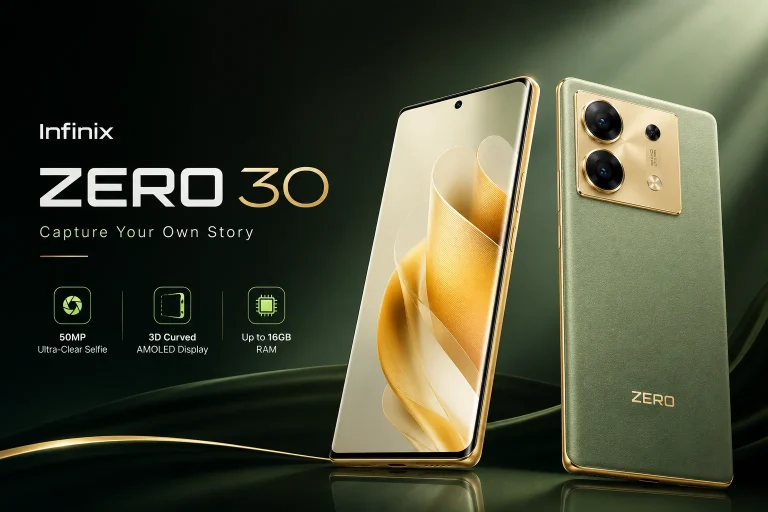
The Infinix Zero 30 has become one of the most talked-about mid-range smartphones because it offers premium-looking features without an extremely high price tag. It comes with a large AMOLED display, powerful MediaTek processor, fast charging, and a high-resolution camera system. According to recent specifications and market listings, the phone includes a 6.78-inch AMOLED 120Hz display, up to 12GB RAM, 256GB storage, and a 5000mAh battery.
But specifications alone do not answer the real question. Is it actually good for students? Can it handle online work smoothly? Is the battery strong enough for long classes and freelancing tasks? Does it lag during multitasking? This detailed review answers all those questions in simple language so students and online workers can decide whether this smartphone is worth buying in 2026.
Understanding What Students Need in a Smartphone
Students today use smartphones differently compared to a few years ago. A phone is no longer just a device for calls and social media scrolling. It has become a digital classroom, portable office, entertainment hub, and communication center all packed into one pocket-sized machine. Whether someone is attending virtual lectures, researching assignments, editing PDFs, or managing online clients, performance matters a lot.
A student phone must deliver smooth multitasking because most users switch between apps constantly. One moment they are on YouTube watching a tutorial, and the next they are writing notes in Google Docs while chatting on WhatsApp. Weak phones struggle in these situations and start freezing or overheating. That can be frustrating during important online classes or deadlines.
Battery life is another major factor. Students usually stay outside for long hours in colleges, academies, libraries, or coworking spaces. Carrying a charger all day is inconvenient. A good student phone should comfortably survive an entire day of moderate use. Fast charging also becomes valuable because nobody wants to wait two hours beside a charging socket before heading out again.
Storage matters too. Educational apps, lecture recordings, PDFs, screenshots, videos, and assignments consume large amounts of space. Phones with low storage quickly become slow and annoying. That is why devices with 256GB storage options are becoming popular among students and freelancers.
Why Online Work Demands Better Performance
Online work can push smartphones much harder than normal daily use. Tasks like video editing, Canva designing, content writing, spreadsheet management, video conferencing, and social media scheduling require stable processing power. Even a small lag during client meetings or while uploading files can affect productivity. infinix zero 30 is very amazing mobile.
The good thing about the Infinix Zero 30 is that it includes a MediaTek Dimensity chipset in the 5G version and a Helio G99 in the 4G model depending on the region. These processors are considered strong enough for multitasking, moderate gaming, video streaming, and office-related applications.
Students who work online as freelancers often manage multiple apps together. They might use Chrome for research, Canva for graphics, WhatsApp for communication, and Google Drive for document sharing all at once. Phones with poor RAM management struggle in such cases. Thankfully, the Zero 30 supports extended RAM features and comes with higher RAM variants that improve background app performance.
Features That Matter Most for Students
Here are the features students usually prioritize before buying a smartphone:
| Feature | Why It Matters for Students |
|---|---|
| Long Battery Life | Helps during long classes and study sessions |
| Fast Charging | Saves time before leaving home |
| Smooth Display | Better for reading and watching lectures |
| Strong Performance | Prevents lag during multitasking |
| Good Camera | Useful for scanning notes and video calls |
| Large Storage | Stores PDFs, videos, and apps easily |
| Durable Build | Survives daily student life |
The Infinix Zero 30 checks many of these boxes, which is one reason why it has gained attention among budget-conscious students.
Infinix Zero 30 Overview and Key Specifications
The Infinix Zero 30 sits in the upper mid-range category and tries to deliver premium features at a competitive price. In Pakistan, the device is commonly listed around PKR 64,999 depending on the RAM and storage variant.
Display and Design Quality
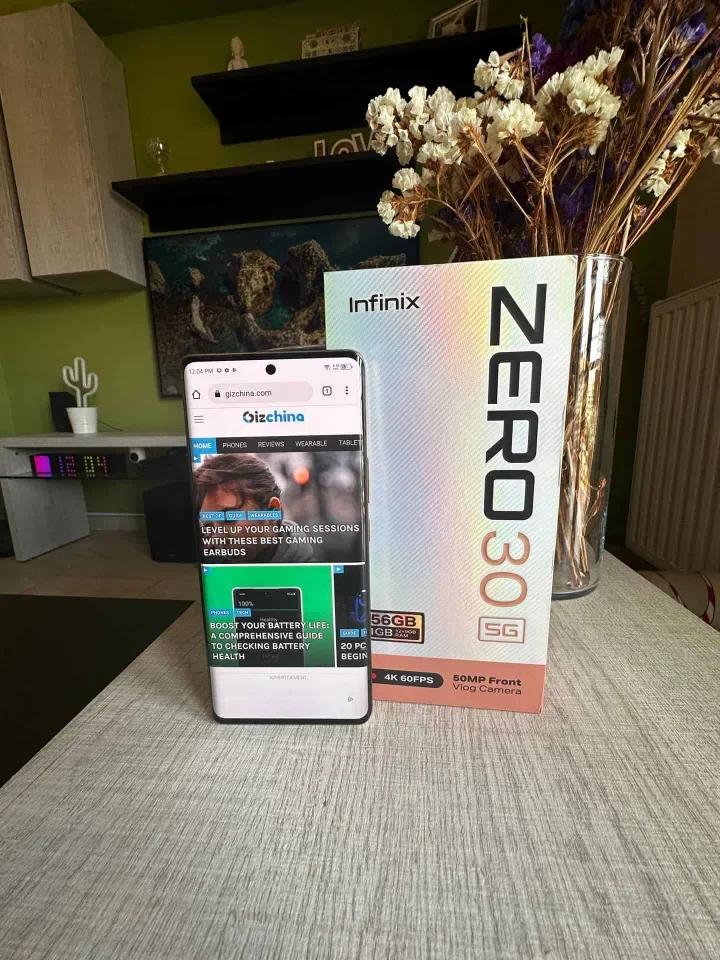
One of the biggest strengths of the phone is its display. It features a 6.78-inch curved AMOLED screen with a 120Hz refresh rate. This creates a smooth experience while scrolling through apps, reading notes, or watching educational content. The AMOLED panel also produces deeper blacks and vibrant colors, making long study sessions easier on the eyes compared to cheaper LCD displays.
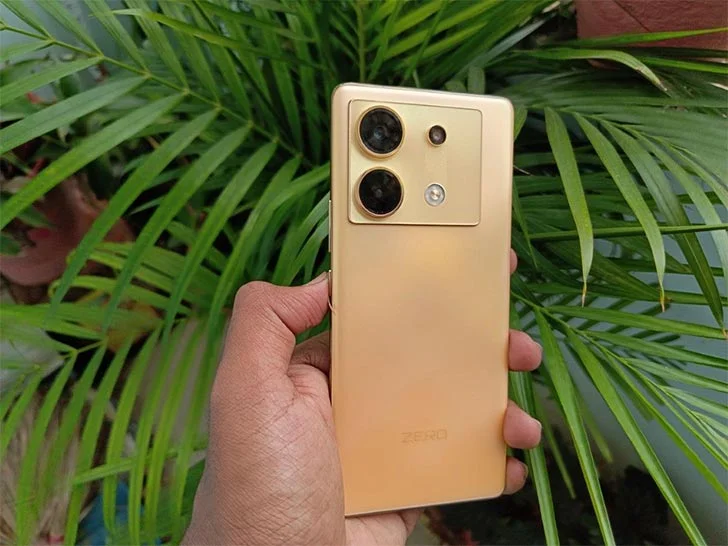
The curved design gives the phone a flagship-style appearance. Students who like stylish devices will appreciate its premium look because it feels far more expensive than its actual price. The thin bezels and slim body also make it comfortable to hold during long online classes or late-night study sessions.
Brightness is another area where the Zero 30 performs well. According to official specifications, it can reach up to 950 nits brightness. That means outdoor visibility remains decent under sunlight, which is useful for students traveling between classes or working outside.
Processor, RAM, and Storage
Performance is one of the strongest reasons students consider this phone. The Zero 30 offers high RAM options including 8GB and 12GB variants along with 256GB internal storage. This amount of storage is excellent for educational use because users can save large lecture videos, apps, presentations, and documents without constantly deleting files.
The processor handles daily tasks smoothly. Apps open quickly, multitasking feels responsive, and switching between productivity apps rarely causes noticeable lag. Students who use apps like Google Classroom, Zoom, Microsoft Word, Canva, Trello, and Notion should find the experience smooth enough for daily productivity.
Battery and Charging Speed
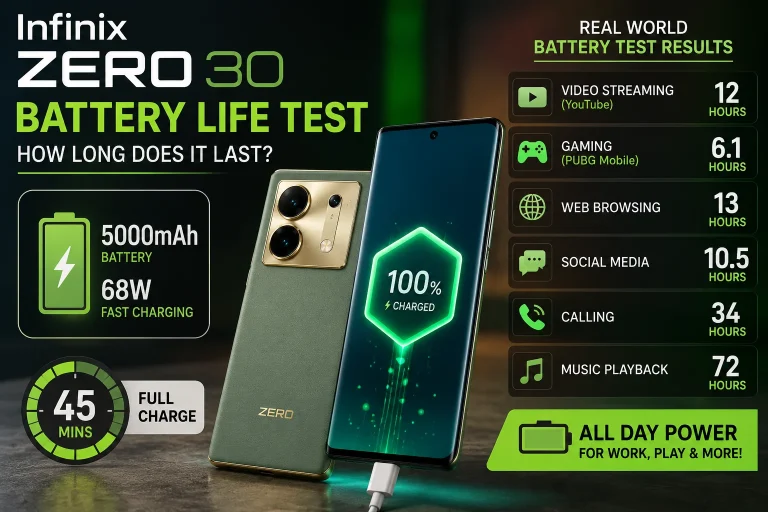
Battery performance is another major highlight. The phone includes a 5000mAh battery paired with 45W fast charging. In real-life student usage, this setup is very practical because it reduces battery anxiety during long classes or work sessions.
A typical student can comfortably get a full day of mixed use that includes YouTube, note-taking, social media browsing, messaging, and online meetings. Fast charging also helps when the battery gets low because even a short charging session can provide several extra hours of use.
Performance for Online Classes and Study Apps
Online classes demand stable internet connectivity, smooth video playback, decent speakers, and reliable multitasking. Nobody wants a phone that freezes during an important lecture or disconnects while submitting assignments.
The Infinix Zero 30 performs impressively during online learning sessions. Apps like Google Meet, Zoom, and Microsoft Teams run smoothly without major stuttering. The large AMOLED display makes text easier to read, while the stereo audio experience improves lecture clarity.
Students who use split-screen multitasking will also appreciate the phone’s smooth interface. For example, it is possible to watch a lecture on one side while writing notes on the other. This feature may sound small, but it becomes incredibly useful during busy academic schedules.
Smooth Multitasking Experience
Many budget smartphones slow down when too many apps remain open in the background. The Zero 30 handles this much better because of its strong RAM management and capable processor. Users can jump between Chrome tabs, messaging apps, note-taking apps, and cloud storage without constant reloading.
This smoothness matters more than many people realize. Productivity often depends on how quickly users can switch between tasks. A laggy phone wastes time and increases frustration. The 120Hz refresh rate also contributes to a fluid feeling that makes the interface feel responsive and modern.
Zoom, Google Meet, and Microsoft Teams Performance
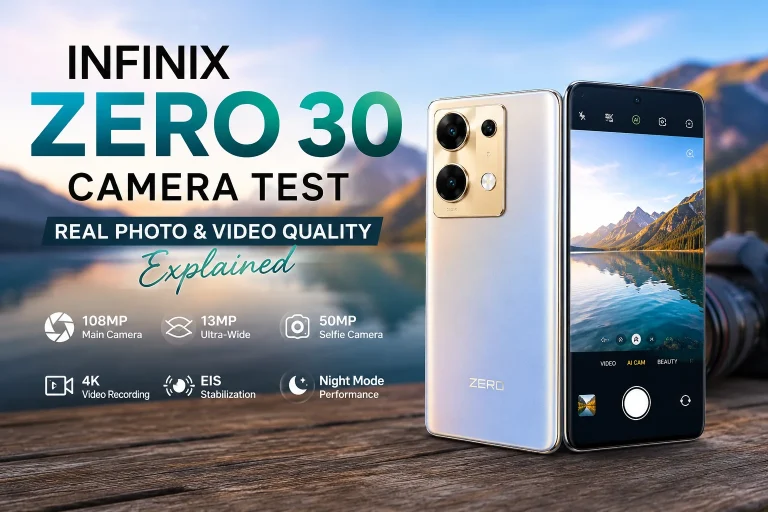
Online classes rely heavily on video conferencing apps. The good news is that the phone’s front camera quality is strong enough for clear video calls. The 50MP selfie camera captures detailed images and produces sharp video quality for meetings.
Microphone quality is also acceptable for online presentations and group discussions. Voices sound clear in quiet environments, which helps students communicate professionally during classes or freelance meetings.
Is Infinix Zero 30 Good for Freelancing and Remote Work?
Freelancing is becoming common among students because many want to earn money online while continuing their education. Tasks like content writing, graphic designing, social media management, affiliate marketing, and customer support can now be handled directly from smartphones.
The Zero 30 performs surprisingly well in these situations. Apps like Canva, CapCut, Lightroom, and Google Docs run smoothly for moderate workloads. Content writers can comfortably draft articles, manage emails, and communicate with clients using the device. infinix zero 30 is very amazing phone.
Content Writing and Office Work
For writers and office workers, the large display becomes extremely useful. Reading long documents feels comfortable, and typing on the big screen reduces mistakes. Students working on assignments or blog articles will appreciate the extra screen space.
The AMOLED display also helps reduce eye strain during nighttime usage because darker themes look cleaner and softer. Combined with decent battery life, this makes the phone suitable for long productivity sessions.
Social Media Management and Graphic Tasks
Social media managers often juggle Instagram, Facebook, TikTok, Canva, and analytics apps together. The Zero 30 handles these tasks efficiently for a mid-range device. Video uploads, editing reels, scheduling posts, and replying to messages feel smooth most of the time.
The phone is not a professional flagship editing machine, but for students managing online pages or freelance clients, it delivers enough power to remain productive without major limitations.
Gaming and Entertainment for Students
Students do not study all day. Entertainment matters too. Whether it is gaming after classes or watching Netflix during breaks, a balanced smartphone should handle fun activities without problems.
The Zero 30 performs well in casual and moderate gaming. Games like PUBG Mobile and Free Fire run smoothly at balanced settings. The high refresh rate display improves responsiveness, while the AMOLED screen enhances visuals.
PUBG, Free Fire, and Casual Gaming
Gaming performance is respectable for the price category. The phone may not compete with expensive gaming flagships, but it delivers stable gameplay for most popular mobile games. Heat management is acceptable during normal gaming sessions, though longer gaming periods can increase temperature slightly.
Some Reddit users mentioned battery drain concerns after certain software updates, especially on the 5G variant. However, many users also reported solid daily performance with proper battery settings.
AMOLED Display Experience for Movies
Watching movies and YouTube videos feels enjoyable on this phone. The curved AMOLED display produces vibrant colors and deep contrast levels that improve the viewing experience. Students who stream lectures, documentaries, or entertainment content will likely enjoy the immersive screen quality.
The stereo sound experience also adds more depth during media playback, making online learning and entertainment feel more engaging.
Camera Quality for Online Meetings and Content Creation
Cameras are not only for selfies anymore. Students use cameras to scan notes, attend meetings, create assignments, record presentations, and even build content creation careers online.
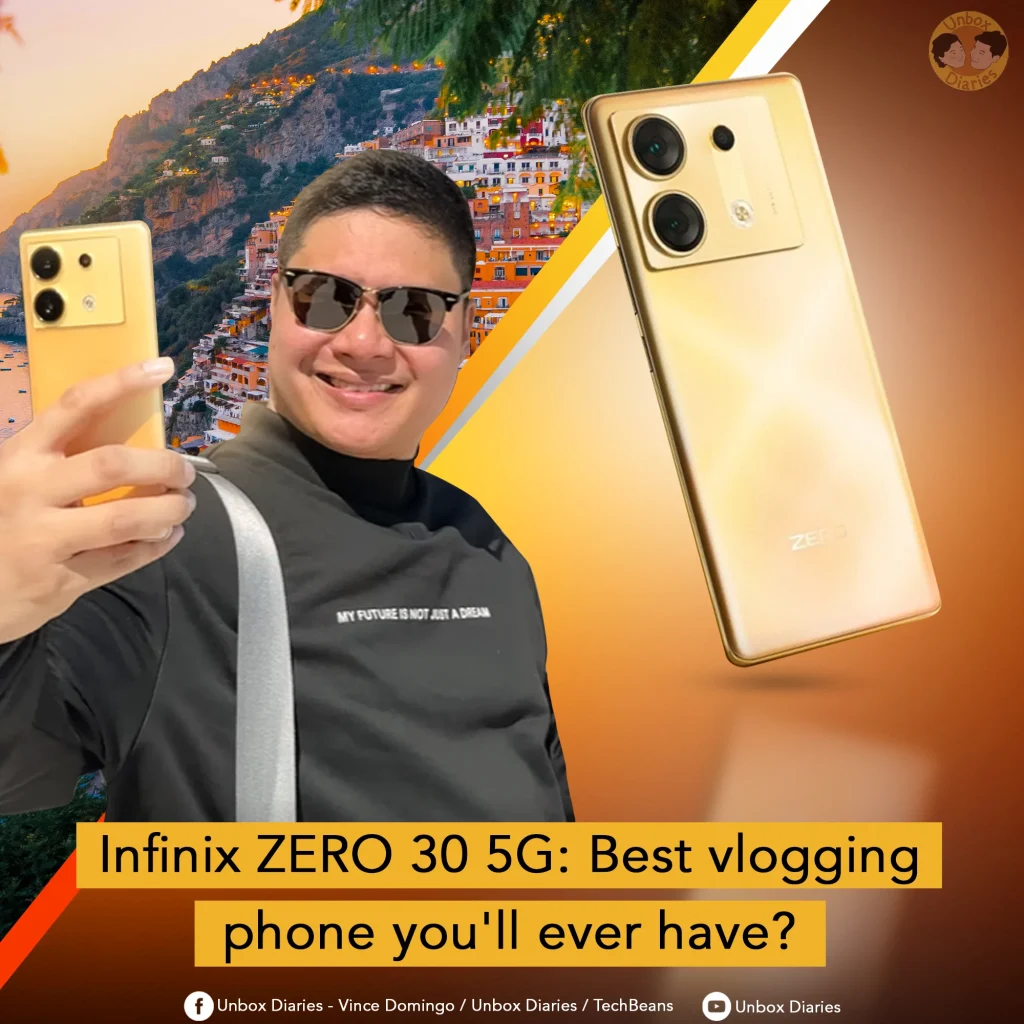
The Infinix Zero 30 includes a 108MP rear camera and a 50MP front camera. These specifications are impressive for its price segment. infinix zero 30 is such a beautiful phone
Front Camera for Video Calls
The front camera is one of the strongest selling points of this device. Video quality looks sharp and bright during online meetings. Students attending virtual classes will appear clearer on screen compared to many lower-end phones.
This also benefits content creators who record Instagram reels, TikTok videos, or YouTube vlogs using the front camera.
Rear Camera for Notes and Projects
The rear camera performs well for scanning documents and capturing whiteboard notes. Text remains readable in good lighting conditions, which is useful for academic work. The camera also produces decent daylight photography for social media and casual content creation.
Battery Life for Full-Day Student Usage
Battery life can make or break the student experience. Nobody wants a phone that dies before evening classes begin.
The 5000mAh battery generally provides reliable all-day performance for moderate users. Students attending online classes, browsing social media, and streaming videos can usually finish the day with battery remaining.
Real-Life Daily Usage Results
Average student activities such as:
- Online classes
- YouTube lectures
- WhatsApp messaging
- Social media browsing
- Google Docs usage
- Casual gaming
can typically last an entire day on one charge. Heavy gamers and video editors may still need evening charging, but normal users should feel satisfied.
Fast Charging Benefits
The 45W fast charging support is extremely practical for busy routines. Students can quickly recharge before leaving for college or work. Fast charging feels like having a coffee break that instantly restores your energy before another busy session. infinix zero 30 has fast charging and infinix zero 30 has many features.
Pros and Cons of Infinix Zero 30
| Pros | Cons |
|---|---|
| Premium AMOLED 120Hz display | No official high-level water resistance |
| Strong battery life | Some users report battery drain after updates |
| Excellent selfie camera | No microSD card support |
| Fast charging support | Heavy gaming can warm the phone |
| Smooth multitasking | Software experience may vary |
| Large storage options | Cameras are better in daylight than low light |
Comparison with Other Phones in the Same Price Range
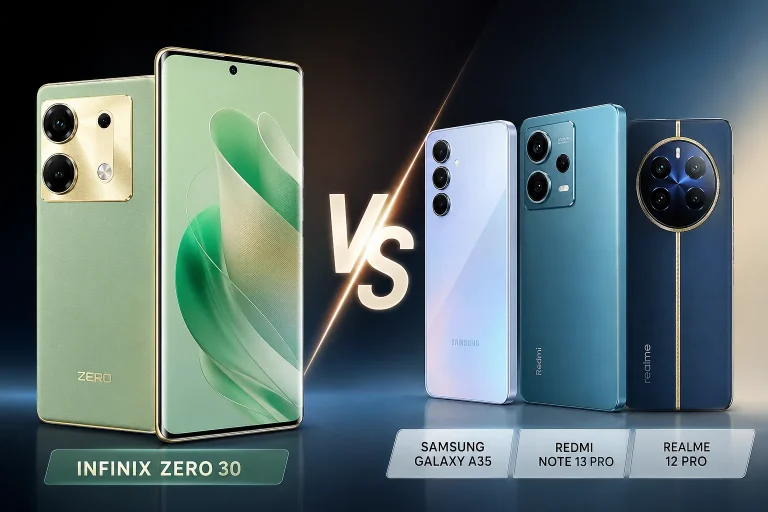
Compared to many phones in the same price category, the Zero 30 stands out because of its display quality, selfie camera, and premium design. Many competitors focus mainly on gaming or battery, but the Zero 30 tries to balance productivity, entertainment, and style together.
Students who prioritize online classes, social media work, content creation, and multimedia usage may prefer the Zero 30 over gaming-focused alternatives. Meanwhile, hardcore gamers might still choose dedicated gaming phones with stronger cooling systems. infinix zero 30 is very awosome.
Who Should Buy the Infinix Zero 30?
The Infinix Zero 30 is ideal for:
- University and college students
- Freelancers working online
- Social media managers
- Content writers
- Casual gamers
- YouTube and TikTok beginners
- Users wanting a premium display experience on a budget
It is especially suitable for people who need a balanced smartphone instead of a device focused only on gaming or photography.
Conclusion
The Infinix Zero 30 proves to be a strong option for students and online workers in 2026. It combines a premium AMOLED display, smooth multitasking performance, large battery, fast charging, and impressive cameras into one affordable package. For students attending online classes, creating assignments, freelancing, or managing social media work, the phone delivers enough power to stay productive throughout the day.
Its stylish design also makes it feel more expensive than it actually is, which adds extra value for budget-conscious buyers. While it is not perfect and may show occasional software-related issues according to some users, the overall experience remains highly competitive in the mid-range category.
If you want a smartphone that can comfortably handle study, entertainment, and online earning tasks without draining your wallet, the Infinix Zero 30 is definitely worth considering.